Just wanted to do a quick sanity check. I’m looking to upgrade my projects to NET 10.0 and the latest ServiceStack version.
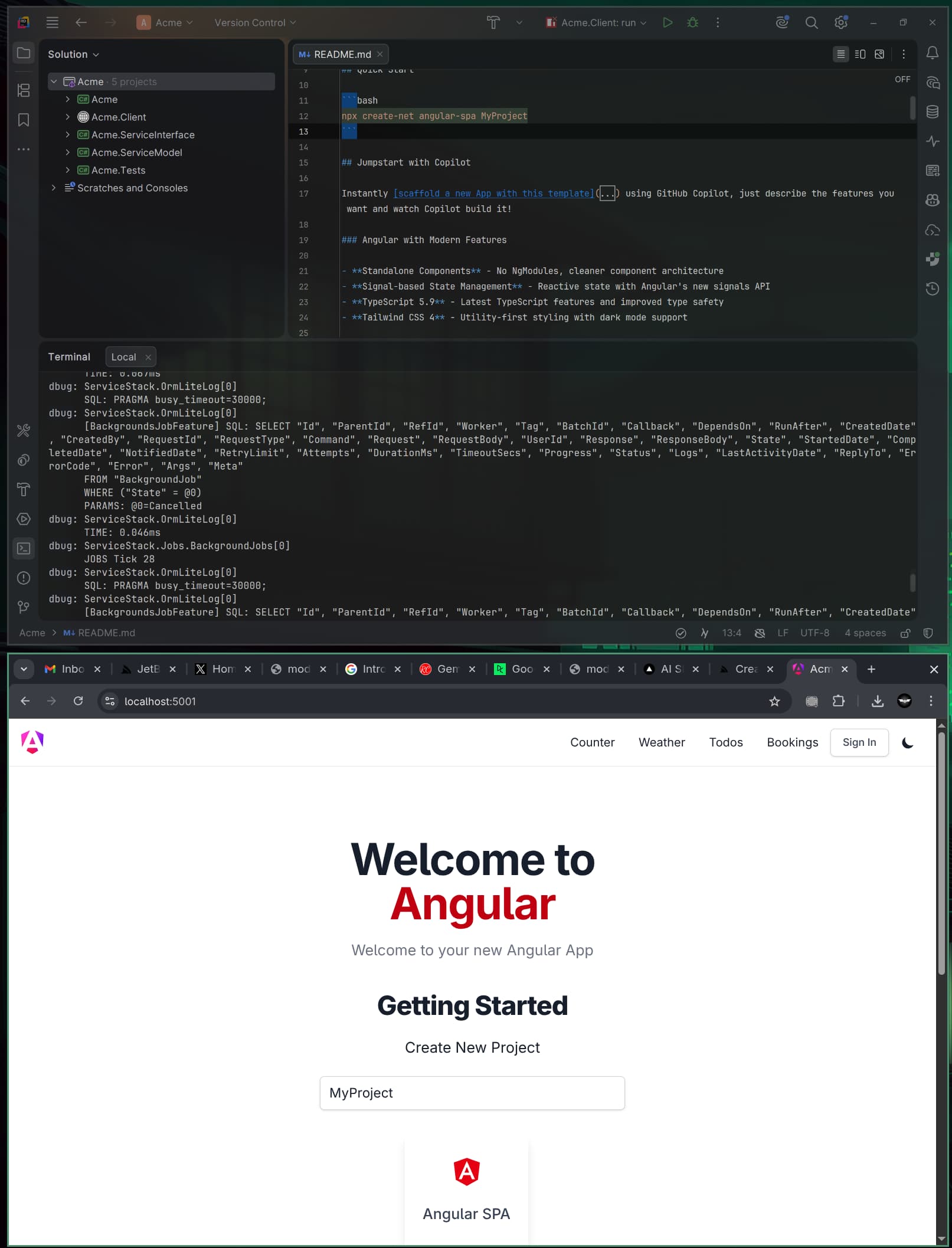
I decided to take a look at the current Angular SPA template to see how it all fits together. I’ve created a new project and ran it inside JetBrains Rider.
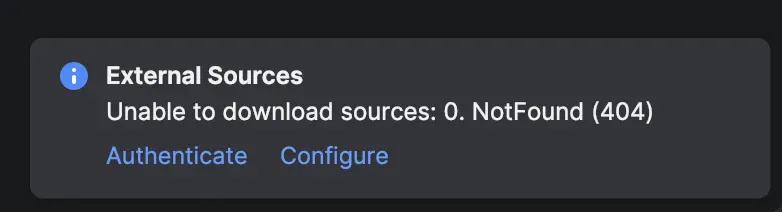
On startup I’m getting a breakpoint in BreakForUserUnhandledException, also an error showing Exetrnal Sources: Unable to download sources: 0, NotFound (404) - I can disable the option “Enable private Source Link support” to stop the download error, however I still get the exception [HttpRequestException: An error occurred while sending the request.]
Is this normal behaviour and I should just ignore and carry on, or is something not right?
The Exception sounds like it’s unable to download the debug sources, this would help when debugging down into the framework to debug the original framework sources. It shouldn’t be needed for running your App.
Strange. The exception still occurs when I disable the private source link support. Could I ask what exception settings you have in Rider in case it’s something within the IDE that’s misconfigured..
I’m possibly running it wrong in debug. I’m using the ‘Acme: https’ configuration, I can see from your screenshot that you’re using the Acme.Client: run config. I tried using this default but can’t get it to run the backend.
I’ve rechecked the documents but I feel I’m definitely missing something.
You should be running the .NET Host Project (i.e. MyApp not MyApp.Client).
I’ve fixed a Vite HMR Dev Proxy WebSocket issue in the latest version of NodeProxy which was throwing a HTTP Exception that Rider’s debugger was breaking on, in the latest v10.0.5 release on pre-release packages.
I’ve added a angular-spa/NuGet.Config so new projects use the pre-release packages with the fix.
You can get it by adding the NuGet.Config to your solution folder, which you can also do add with your preferred tool:
Tried again from scratch with the new version and myget implemented. There’s a license issue with the template (states it expired 01/01/2026), I fixed that and tried to debug using the “Acme: https” run configuration.
Still get the exception unfortunately and the 404 error.
Just had a moment to do a bit more investigating. Looks like it’s a connection refused to localhost:4200 exception that’s happening. I’m assuming this is because a connection is made before the Angular backend is up and running?
I can just move past the initial exception and the solution runs fine, is there any way to prevent/ignore this error?
It’s what the NodeProxy does, it returns an error that the UI check for until it can establish a connection to the node server. If you run your project, you should see a loading screen whilst it retries to connect until its ready.
You could probably also add a Thread.Sleep() before app.Run() to give the node server some time to startup, before launching the .NET UI which makes the first HTTP Request.